
Home / Shop
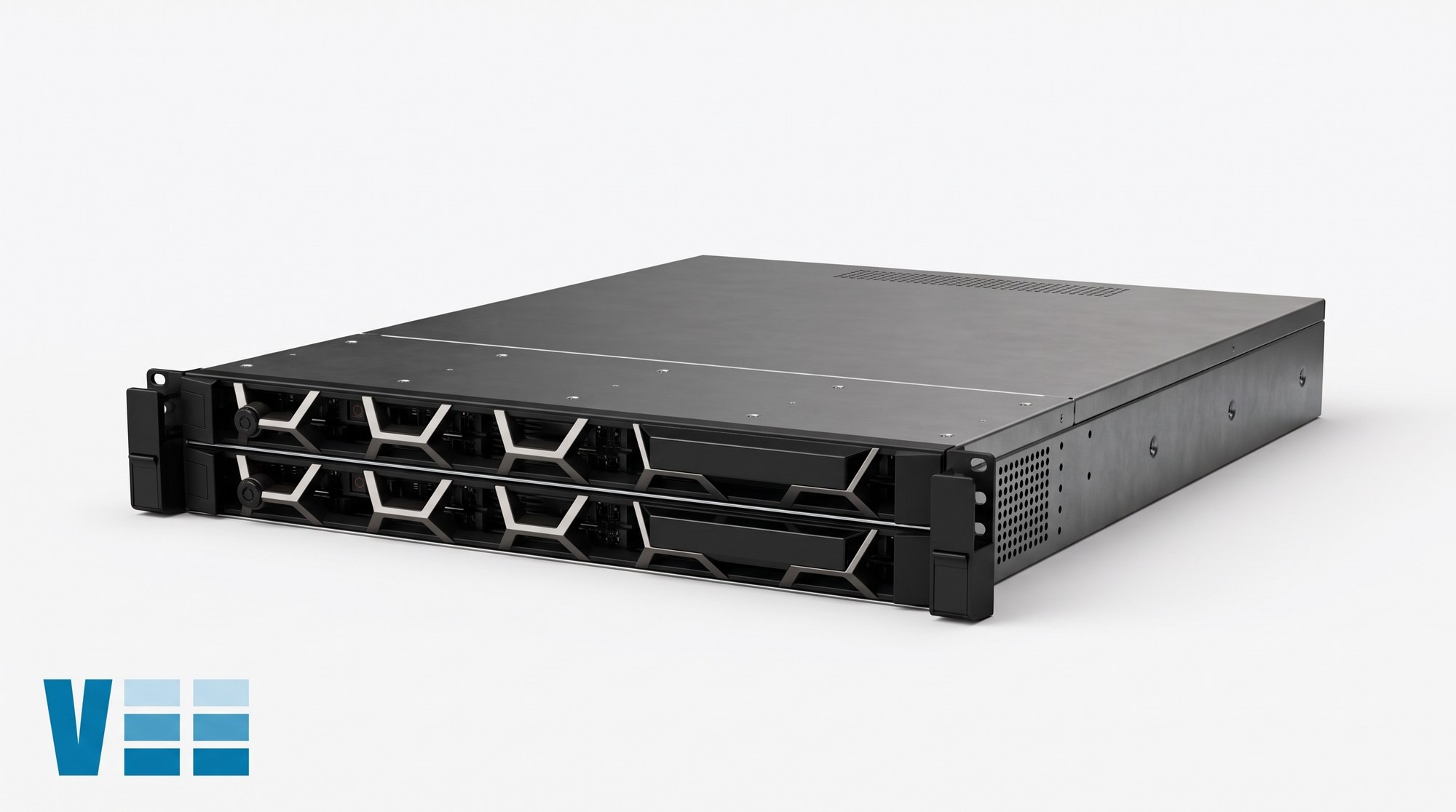


- Description
- Specifications
The 342-1413 Dell VFlash 8GB SD card with iDRAC Enterprise is the flash media option for the PowerEdge R720 and R720xd. Dell offers 8 GB or 16 GB vFlash media as an upgrade for iDRAC7 Enterprise with Lifecycle Controller. A vFlash SD card plugs into the vFlash SD card slot in the system and provides persistent on-demand local storage and a custom deployment environment that automates server configuration, scripts and imaging. It emulates USB devices.
The slot supports one vFlash media card, and the function is activated only when iDRAC7 Enterprise is enabled. On the R720 the slot is at the front of the system, in the front panel; on the R720xd it is at the back, on a vFlash media unit held to the chassis by one screw and joined to the backplane by a cable. With iDRAC7 Enterprise, vFlash media allows use of a non-Dell SD card and virtual flash partitions.
To change the card, locate the vFlash media slot, push the card inward to release it and pull it from the slot. To fit a card, put the contact-pin end into the slot with the label side facing up. The R720 front panel carries the slot alongside its two USB 2.0 connectors, a video connector and the LCD menu buttons.
Related: Dell PowerEdge R610 parts
Related: Dell PowerEdge R710 parts
| 342-1413 Specs | |
| Product | Dell VFlash 8GB SD card with iDRAC Enterprise |
| Capacity | 8 GB (vFlash media comes in 8 GB and 16 GB) |
| Requires | iDRAC7 Enterprise enabled |
| Slot | One vFlash media card slot |
| R720 slot position | Front of the system |
| R720xd slot position | Back of the system, on the vFlash media unit |
| Behaviour | Emulates USB device(s); persistent local storage and deployment environment |
| Insertion | Label side up, contact-pin end first |